Key takeaways
- A cloud CMS lets you update, schedule and monitor every digital screen from one dashboard, in a browser or on your phone.
- No more USB trips or technician visits: change a price or promotion in all branches at once.
- Screens keep playing saved content if the internet drops, and update again when it returns.
- The DIGIX cloud CMS is free for the first year with DIGIX hardware, then from about Rs 2,000 per screen per year.
In this guide
Picture a retail chain with 30 branches in Lahore, Karachi and Islamabad. The sale ended two weeks ago, but half the screens are still showing it, because someone has to visit every branch with a USB drive to change the content.
A cloud-based content management system (CMS) solves this. This guide explains what a digital signage CMS is, what features matter, and how Pakistani businesses use it to manage every screen from one place.
1. The Problem With Managing Screens the Old Way
- USB updates: staff or technicians must visit each screen to change content.
- Delays: promotions go live late and expired offers stay on screen.
- Inconsistency: different branches show different prices or campaigns.
- No visibility: head office cannot see whether a screen is on, off or showing the wrong thing.
- Hidden cost: travel, technician time and lost sales from outdated content add up.
2. What Is a Digital Signage CMS?
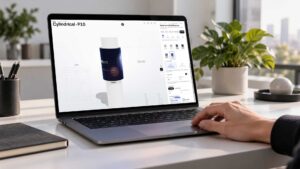
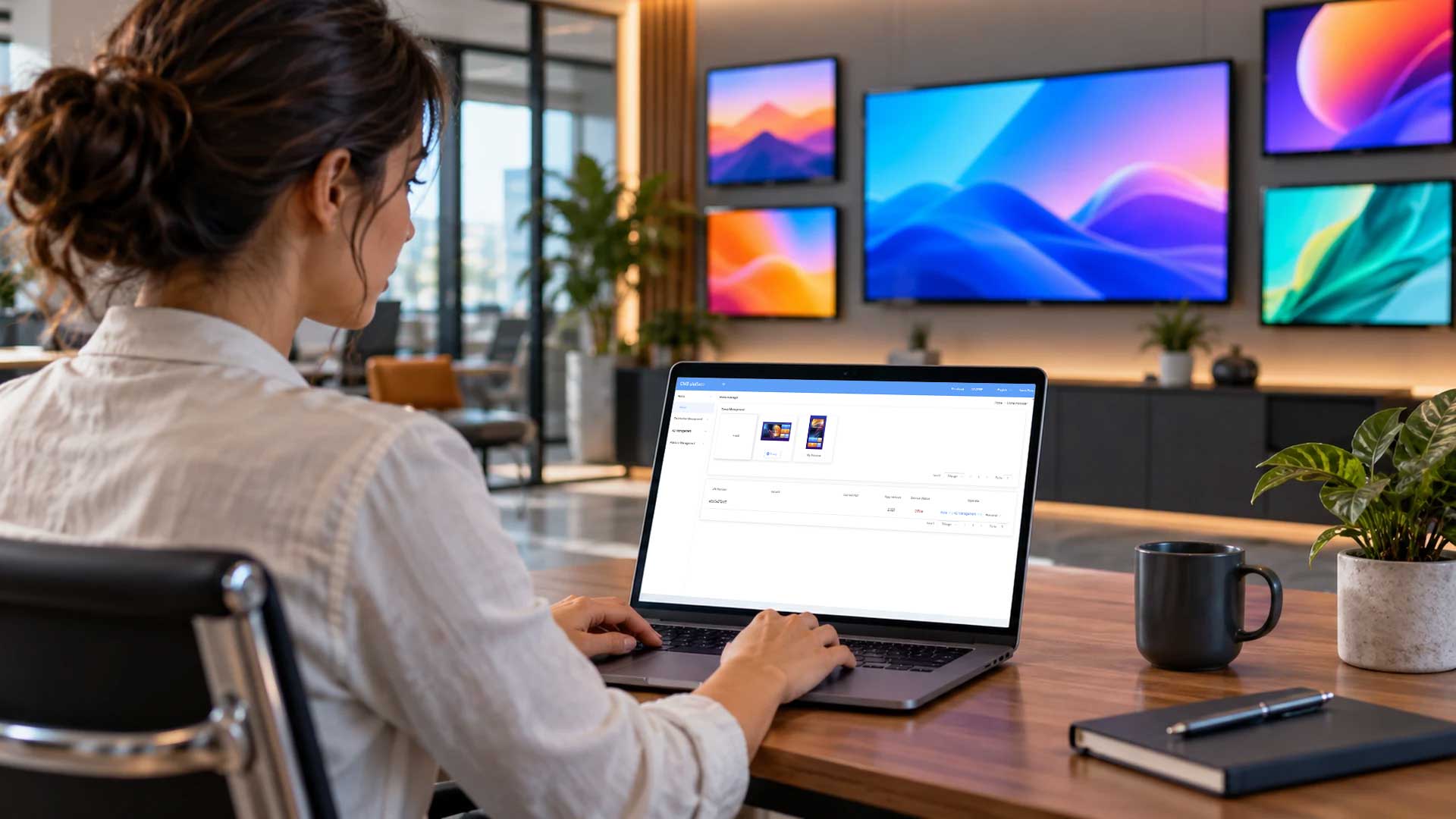
A digital signage CMS is software that lets you upload content, arrange it into playlists, schedule it and send it to your screens. If the screen (a standee, kiosk, SMD screen, menu board or video wall) is the body, the CMS is the brain.
A cloud CMS runs online, so there is no local server to maintain. You log in from a browser or phone, make a change in Multan, and it appears on screens in Karachi within moments.
3. Why a Cloud CMS Makes Sense
Real-time updates across all locations
Change a price, swap a promotion or publish an urgent message on every screen at once. This matters most for banks, fuel stations, telecom franchises and restaurant chains.
One dashboard for every screen
Whether you have 2 screens or 200, see which are online, what they are playing and which need attention.
Schedule content in advance
Set breakfast, lunch, evening and weekend content once, and the system switches automatically.
Lower running costs
No travel, no USB visits and fewer technician call-outs for simple content changes.
Consistent branding nationwide
Every branch shows the same approved, up-to-date content.
Grows with you
Add new screens and branches to the same account as your network expands.
4. Features to Look For
- Remote content management from a browser and mobile.
- Scheduling by time of day, day of week and location.
- Screen groups to update all screens in a city, region or branch type at once.
- Multi-zone layouts such as a main video with a ticker, clock or weather.
- Media support for videos, images and other common formats.
- User roles so branch managers, marketing and head office have the right access.
- Monitoring to see which screens are online and playing.
- Offline playback so screens keep running if the internet drops.
5. How the DIGIX Cloud CMS Works
- Connect your screens: DIGIX hardware comes ready to connect; many other commercial displays can be connected through a media player.
- Upload content: images, videos and promotional graphics, or ask our team to create content for you.
- Schedule and publish: assign content to a single screen or a group, set the schedule and publish.
- Monitor: check screen status and what is playing from anywhere.
Our team sets up the CMS during installation and trains your staff, so you can manage content yourself from day one.
6. Who Needs a Cloud CMS
- Retail and fashion chains: launch seasonal campaigns and flash sales in every store at the same time.
- Banks: update rates, product offers and branch notices centrally.
- Fuel stations: keep forecourt and shop screens current with prices and offers.
- Restaurants and food chains: change digital menu boards, prices and sold-out items instantly.
- Telecom franchises: show the latest packages in every outlet.
- Corporate offices: manage lobby screens, meeting room displays and staff communication.
- Hospitals and universities: update notices, directions and announcements across buildings.
7. Cloud CMS vs USB or Local Server
| Feature | Cloud CMS | USB / local server |
|---|---|---|
| Remote updates | Yes, from anywhere | No, someone must visit |
| Multiple locations | One dashboard | Each location separately |
| Scheduling | Automatic | Manual |
| Monitoring | Screen status online | Not available |
| Running cost | Low, no site visits | Higher, repeated visits |
| Scaling | Add screens easily | Harder with every new site |
| Mobile access | Yes | No |
If you have more than one screen, or plan to add more, a cloud CMS quickly pays for itself.
8. Cost
The DIGIX cloud CMS is free for the first year with DIGIX hardware. After that, it costs from about Rs 2,000 per screen per year (plus GST). See full hardware prices in our digital signage price guide.
Why DIGIX
DIGIX has worked in digital signage since 2015 and is part of the Adsells group, established in 1952. We supply, install and support SMD screens, standees, kiosks, menu boards and video walls, and set up the CMS that runs them, with teams in Lahore, Karachi, Islamabad, Gujranwala, Faisalabad, Multan and Rahim Yar Khan.
Brands DIGIX has worked with include Shell, Nestlé, HBL, Standard Chartered, Toyota, Samsung, Unilever, Jazz, Telenor, KIA and Pizza Hut. For an overview of screen types, read our digital signage in Pakistan guide.
Frequently Asked Questions
Do I need technical skills to use the CMS?
No. If you can use a smartphone, you can upload and schedule content. We also train your team during installation.
Does it work with my existing screens?
Often, yes. Many commercial displays can be connected through a compatible media player. Share your screen model and we will confirm.
What happens if the internet goes down?
Content is stored on the screen’s player, so it keeps playing the last scheduled content and updates again when the connection returns.
Is a cloud CMS worth it for one or two screens?
Yes. Even one screen benefits from remote updates and scheduling, and you are ready when you add more.
How much does the DIGIX CMS cost?
Free for the first year with DIGIX hardware, then from about Rs 2,000 per screen per year plus GST.
Is it secure?
Access is through individual logins, and you control which users can manage which screens.